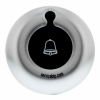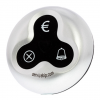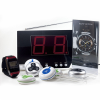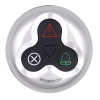
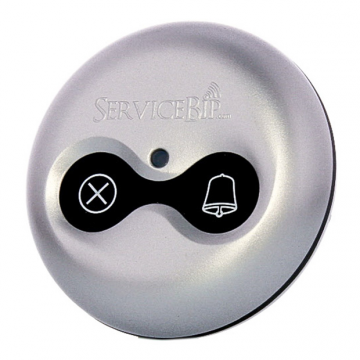
Our wireless call button ServiceBip™ 2 allows your customers to perform 2 types of actions by simply pressing one of the buttons:
– Call
– Cancel
Availability : Available
762 items in stock


Viewed products

Our wireless call button ServiceBip™...

ServiceLight™ lets you view a call...
Our wireless call button ServiceBip™ 2 allows your customers to perform 2 types of actions by simply pressing one of the buttons:
– Call
– Cancel
Availability : Available
762 items in stock
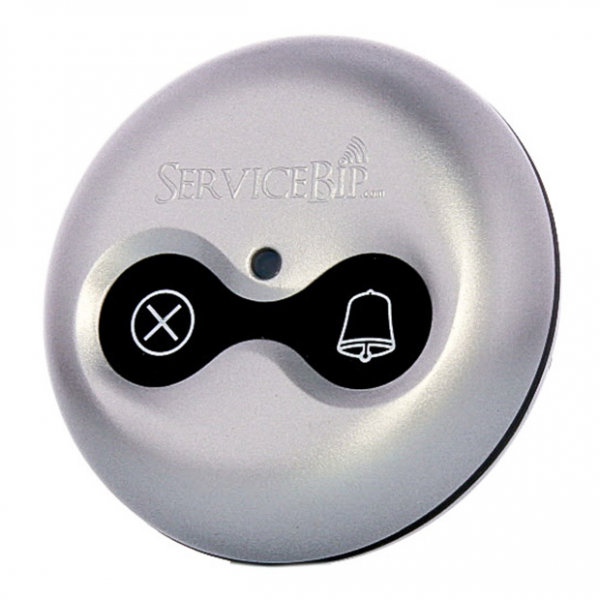
Our wireless call button ServiceBip™ 2 allows your customers to perform 2 types of actions by simply pressing one of the buttons:
– Call
– Cancel
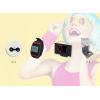
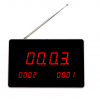
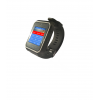
OPERATION What happens when you press the “bell”? The watch-receiver ServiceWatch™ and/or the screen-receiver ServiceScreen™ displays the number of the “Beep” calling (table or location concerned) and the type of service requested by an icon corresponding to call or bill.
How do I cancel a request? Two solutions:
The advantages of ServiceBip™: – The ServiceBip™ 2 is equipped with a Braille dot (specially designed for blind people).
– Waterproof. – Anti-theft support (see image. 3 of the instructions manual).
– Range up to 300 meters in free field conditions.
– Ability to extend the range up to 2 km in open field with our ServiceAmpli™ amplifier.
– Hardware warranty for any operational defect during 1 year (excluding the battery).
– Easy programming.
– Customizable color (depending on quantity).
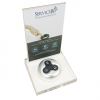
How to secure your ServiceBip™?: To secure your ServiceBip™ wireless call button, simply insert the supplied key into the slot provided for that purpose. The rear piece of ServiceBip™ comes off in order to fix it (with two little screws) or stick it (with glue or double-sided tape) anywhere you want.
You can also secure your ServiceBip™ in a ServiceMenu™ having the advantage of displaying information.

155,00 €